 Wherezit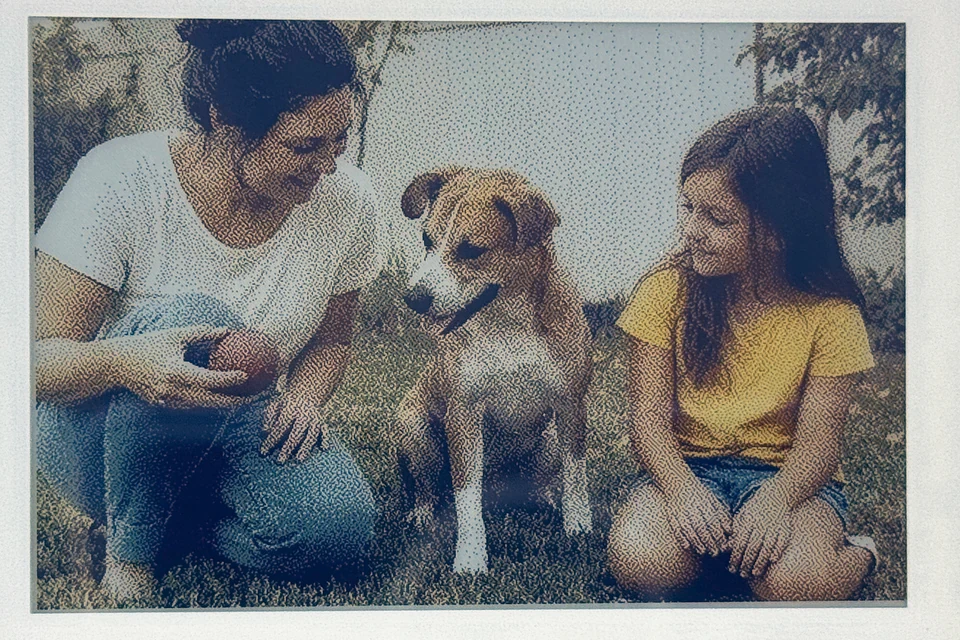
Shows your photos like prints.
A 4-inch six-color e-paper display. No backlight, no glow — colors settle like print. Send a photo from your iPhone and it changes quietly, or a new one each morning if you like.
Wherezit · e-paper photo display for the home
Put it away. Remember where.
An e-paper photo display with a memory. Save everyday details by voice. Ask for them when you need them.
Your address is on the list. Nothing is being sent yet — the next test will be published on this page.
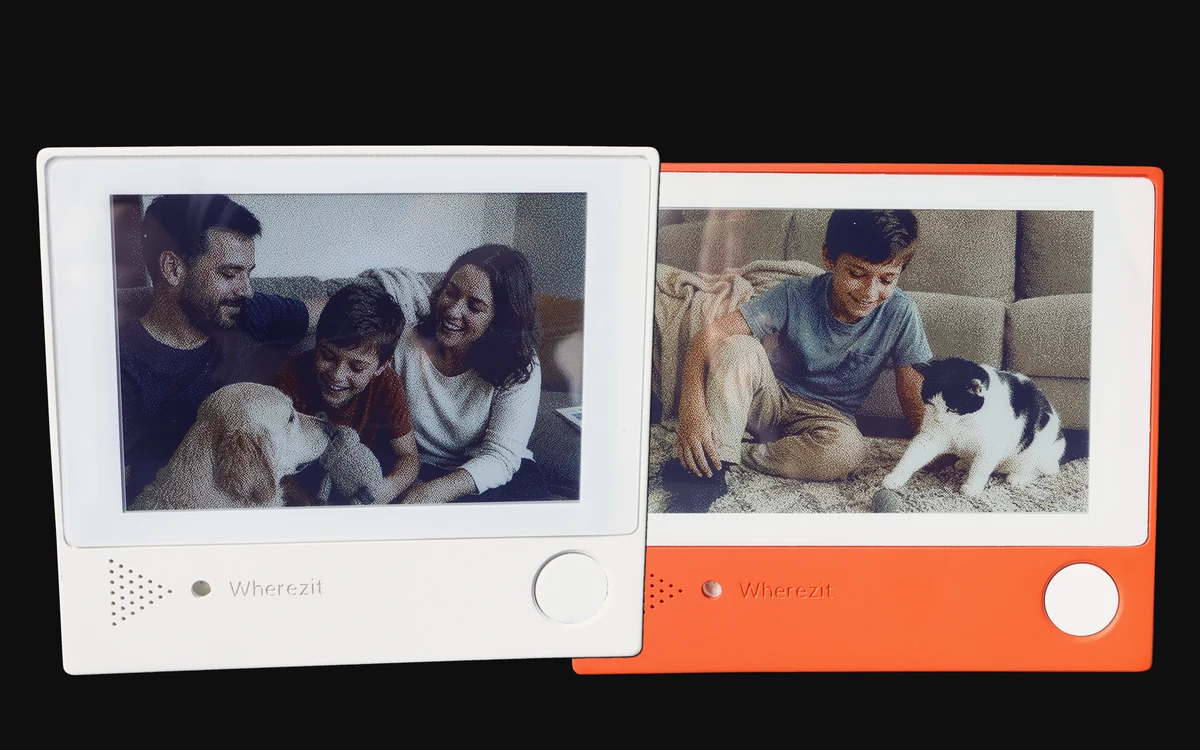
The pictures shown on their screens are AI-generated example images, not real people.
The real problem
Where is the spare leash? Which shelf holds the school gear? Where did we put the extra supplies?
These details are too small for a calendar and too scattered for another list, so they end up living in one person’s head—and every question comes back to them.
That is what Wherezit is for.
Product
A 4-inch six-color e-paper display. No backlight, no glow — colors settle like print. Send a photo from your iPhone and it changes quietly, or a new one each morning if you like.
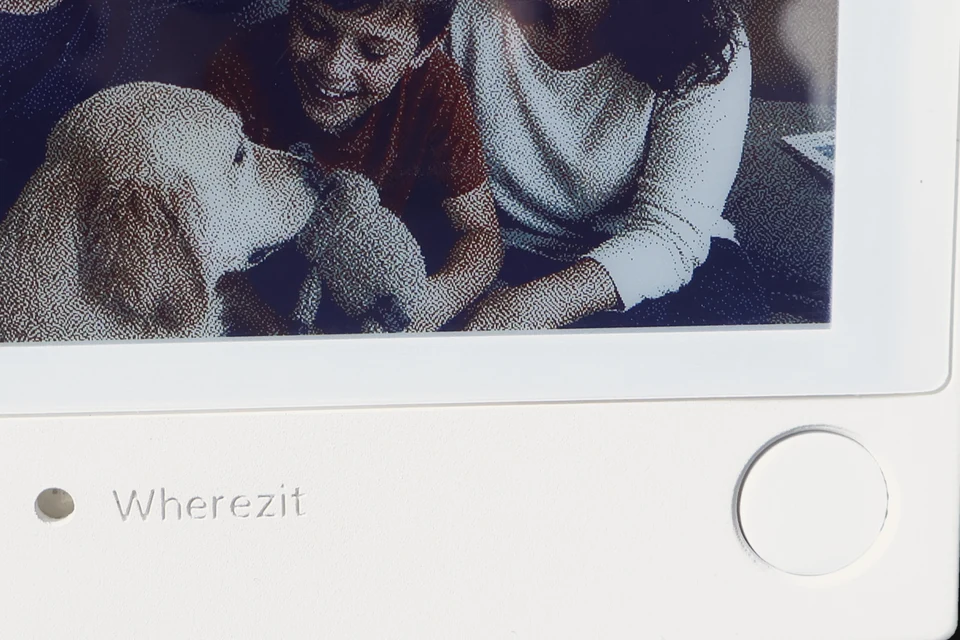
Press and hold the button, say it, let go. “The holiday lights are in the blue box on the top shelf.” It’s written down, and it shows up in the app.
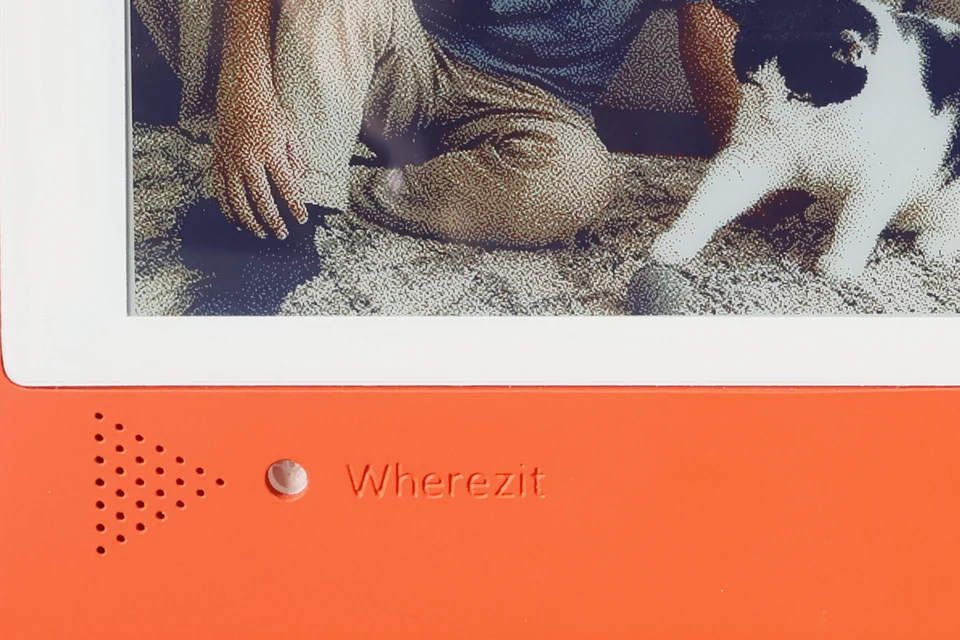
Press and hold and ask, “Where are the holiday lights?” Wherezit replies out loud from what the household told it — in Chinese or English.
All device photos on this page are production units, photographed by us. The pictures shown on their screens are AI-generated example images, not real people.
iPhone app
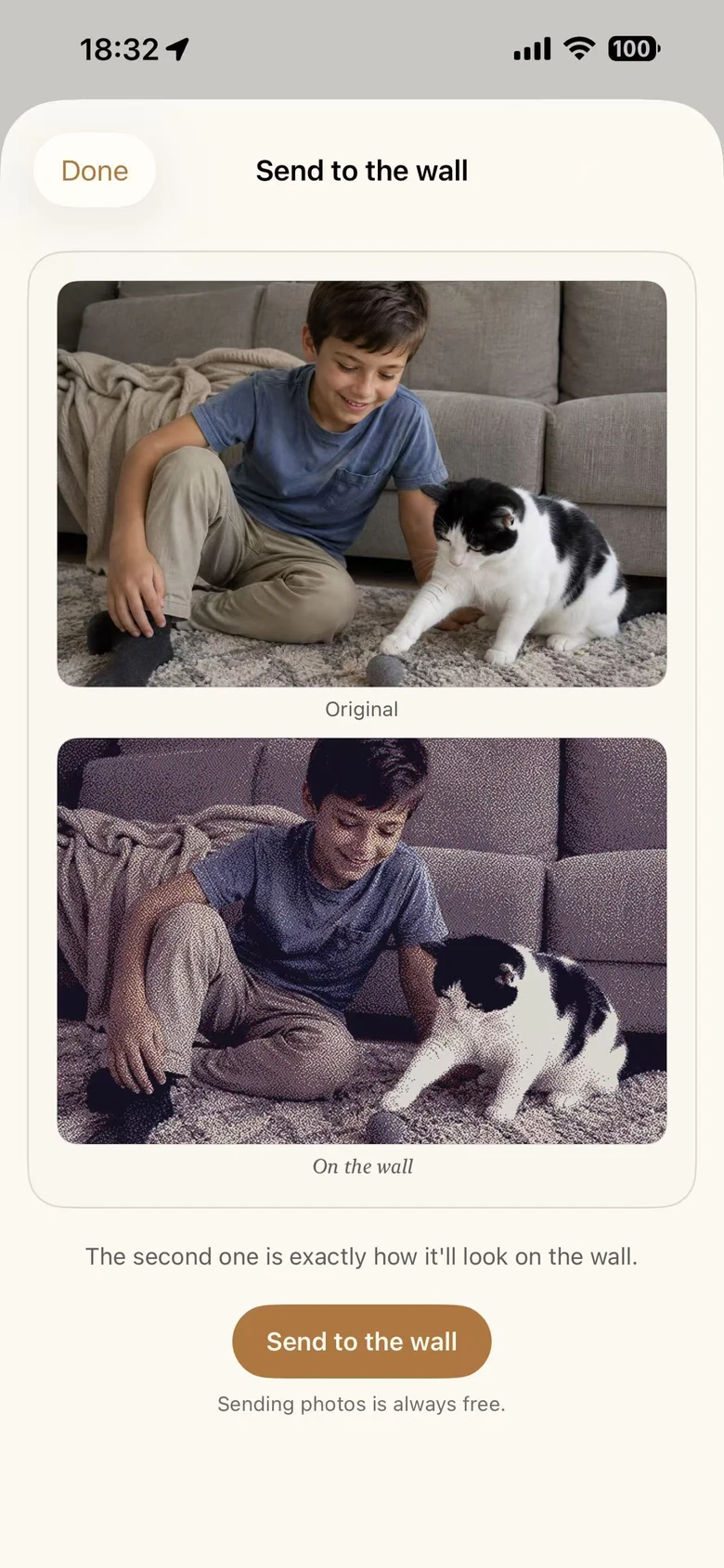
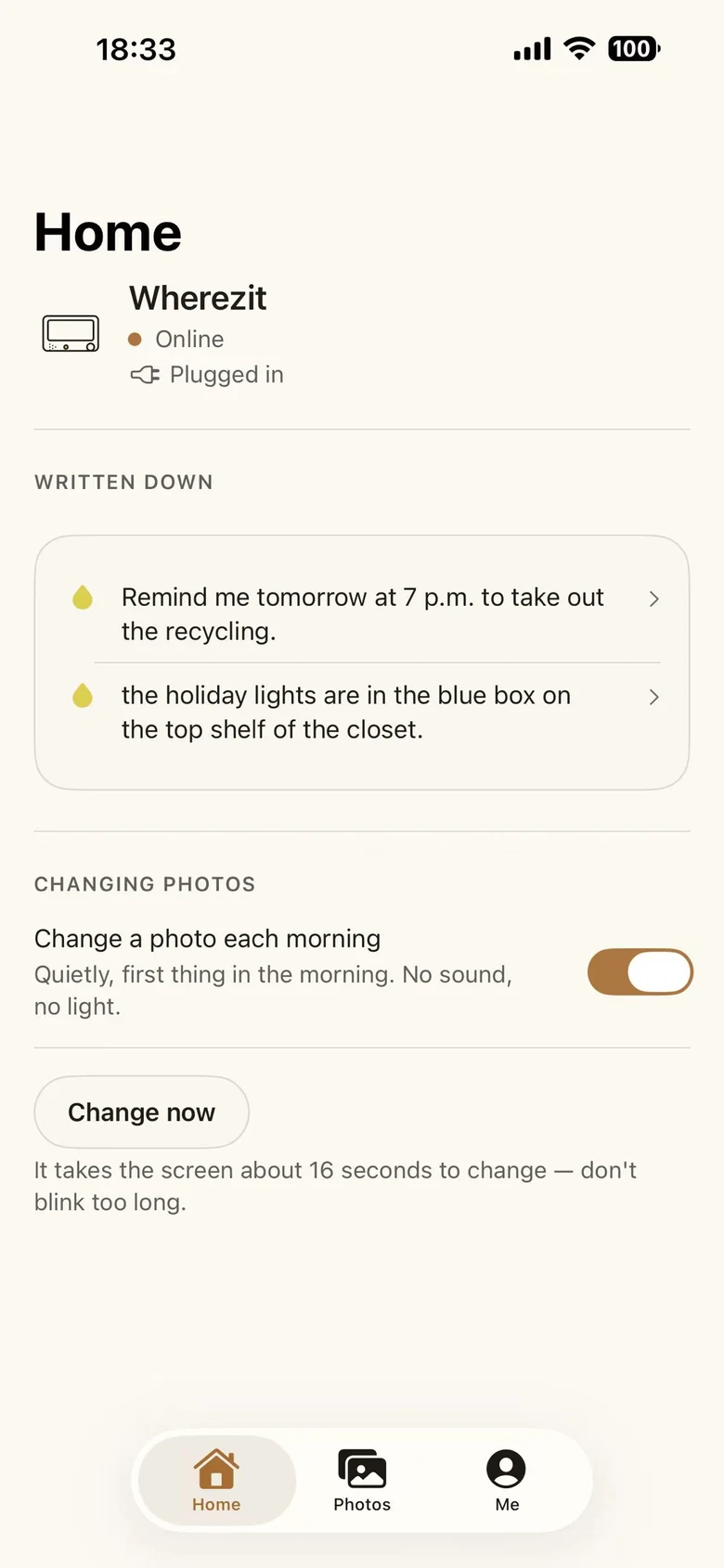
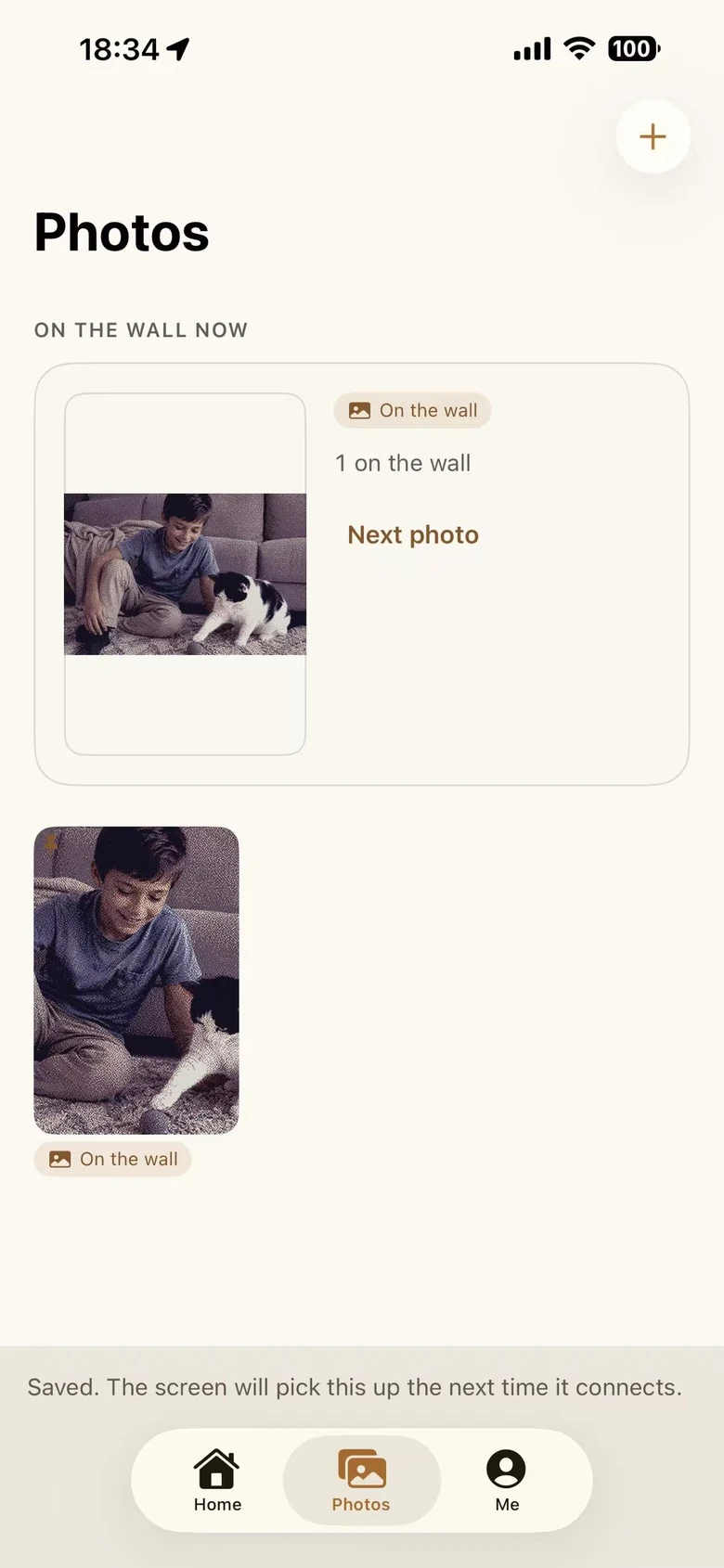
iPhone, iOS 17 or later. App Store listing is in progress.
Real build
We built Wherezit in the open — enclosure design, fit checks, paint, assembly, production.
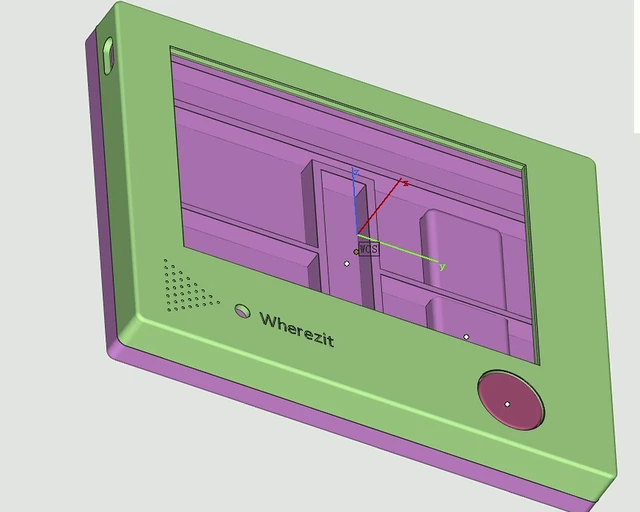
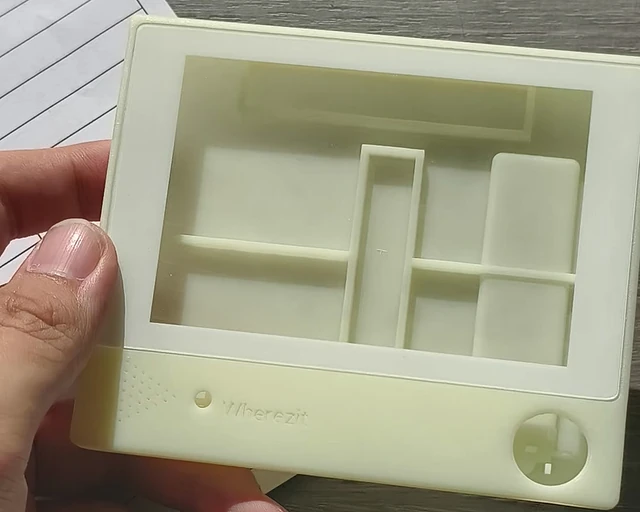
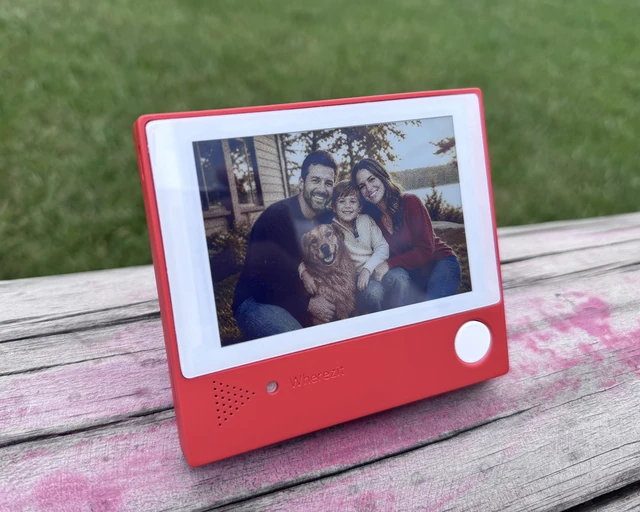
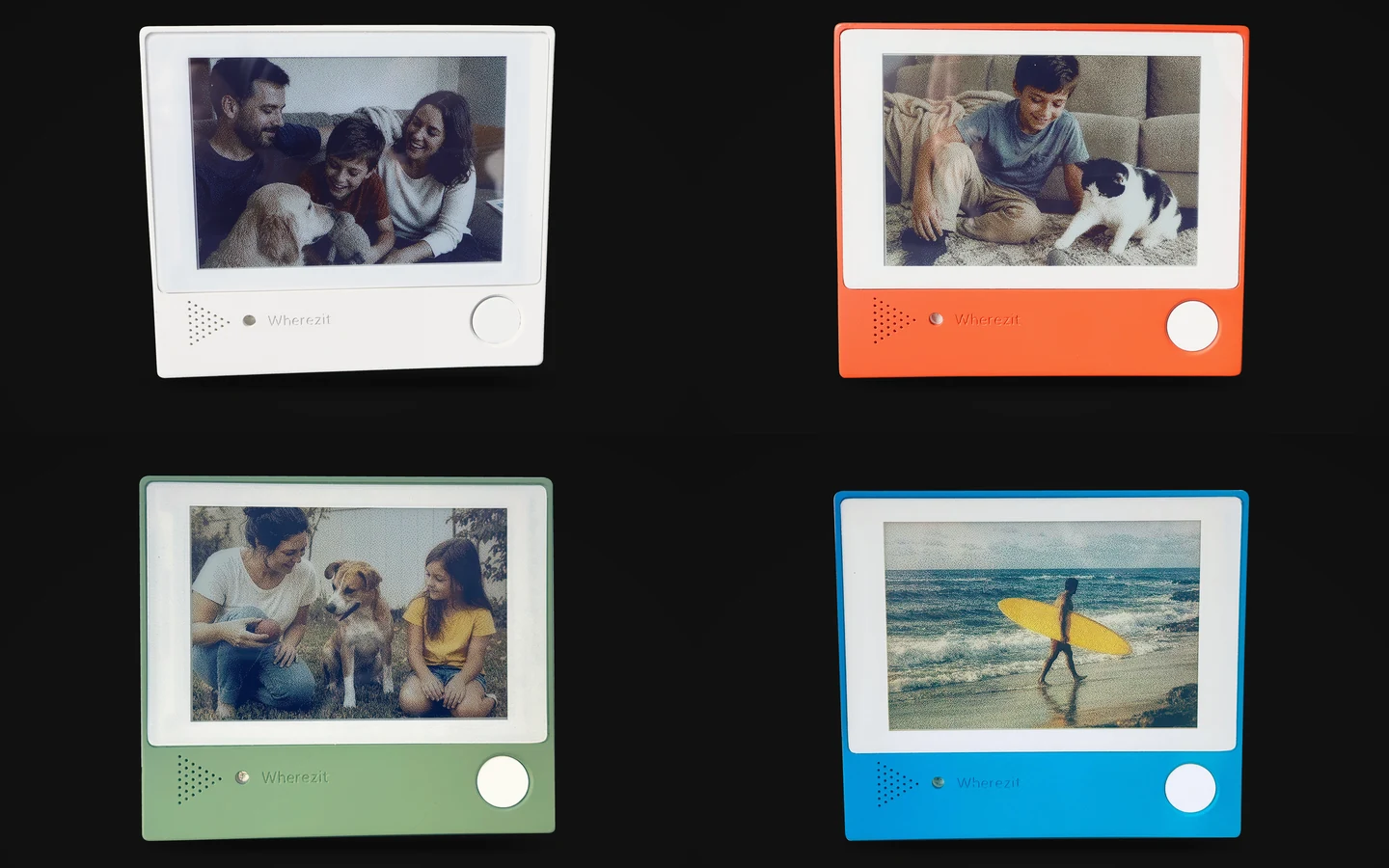
Production complete · Sep 2026
Current stage: production complete. Preparing the Kickstarter campaign.
Production units in white, orange, green and blue, photographed by us — final enclosure, factory assembled, running the photo display on real hardware.
Hardware
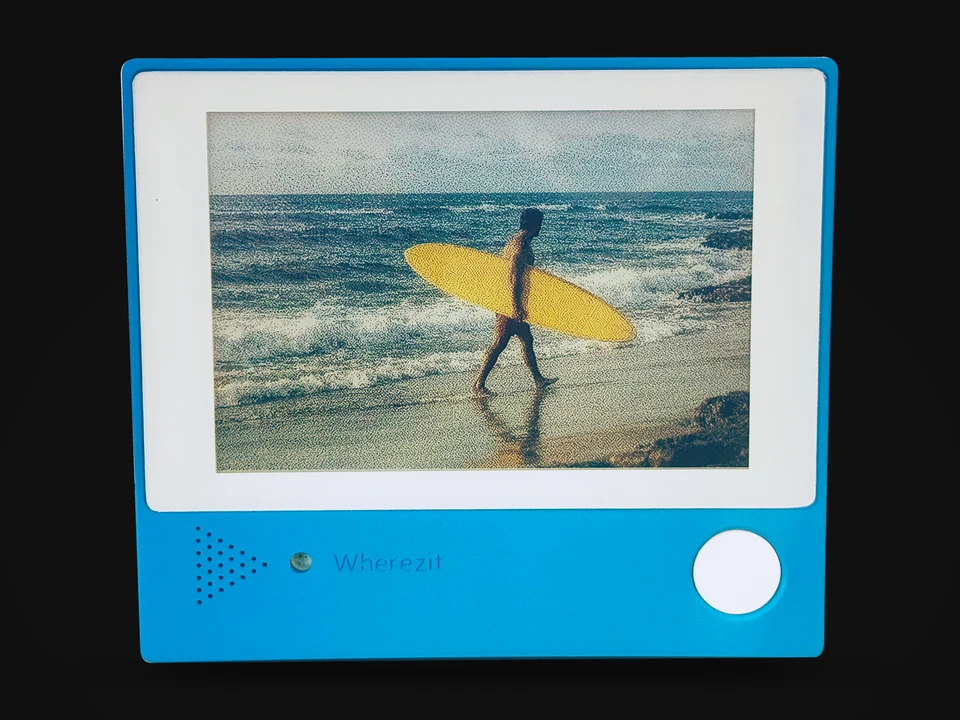
Weight, materials and pricing will be published on the Kickstarter page.
Why
Every home has details that don’t belong on a calendar or a task list — where the spare leash is, which shelf holds the school gear. Someone still has to remember them, and answer every question later.
We built Wherezit so those details can be handed off with one physical gesture: press and hold, say it, let go.
And because a screen on the wall should be worth looking at, it shows your photos the rest of the time.
Production is complete. The next step is Kickstarter.
Questions
Yes. Every device photo on this page is a production unit we photographed ourselves, showing photos sent from the iPhone app. Voice notes and questions run on the same hardware. We are now preparing the Kickstarter campaign.
The iPhone app is built; the screens on this page are real screenshots. App Store listing is in progress. iPhone only, iOS 17.0 or later.
Yes. Wherezit keeps one memory for the home, tied to the device — not to whoever is speaking. Anyone at home can press the button and ask. It does not use voiceprints or face recognition to tell people apart.
No. It listens only while the button is held down. Let go and it stops.
About 16 seconds. E-paper refreshes slowly, then holds the image with no flicker.
Voice notes are processed and stored on our servers so the device can answer later. We’ll publish the full data flow, retention and deletion details with the Kickstarter campaign. Website privacy and product data are separate.
It needs Wi-Fi and the iPhone app. Wherezit works on 2.4 GHz Wi-Fi networks only, and Wi-Fi is required to use all features. Setup runs over Bluetooth LE from the app.
You create an account in the app — a name and a password. The app requires iOS 17.0 or later and is iPhone only; there is no Android version. App Store listing is in progress.
Price, launch date and shipping regions will be announced on Kickstarter. The four colors on this page are production units; the lineup offered at launch will be confirmed on the campaign page.
No. Wherezit is not a medical device, emergency system, or substitute for critical reminders.
No. No location, no face recognition, no voiceprints.
Follow
We’ll post the build, the tests and the launch as they happen.